
Comparisons · A clearer next step
Berry vs Littlebird: commitments or a broader work memory?
By the Berry team ·
The short answer
Littlebird positions itself around remembering your work and using that context across chat, meetings and routines. Berry's current pilot centres on commitments: what needs you, who you are waiting on, and the source behind each item. Choose by the workflow you need—not a blanket claim that one is more intelligent or more private.
Written by Berry, one of the products discussed. Based on public documentation checked on 23 October 2026; not an independent review or hands-on benchmark. Product availability can change.
Two starting points for the same busy day
Littlebird's public positioning is broad: an assistant that understands work context, supports meeting notes and routines, and serves leadership, creative, technical and client-facing roles. Its answer library covers screen context, privacy, integrations and comparisons. That is a useful starting point if your main question is, 'Can my assistant remember what I was working on?'
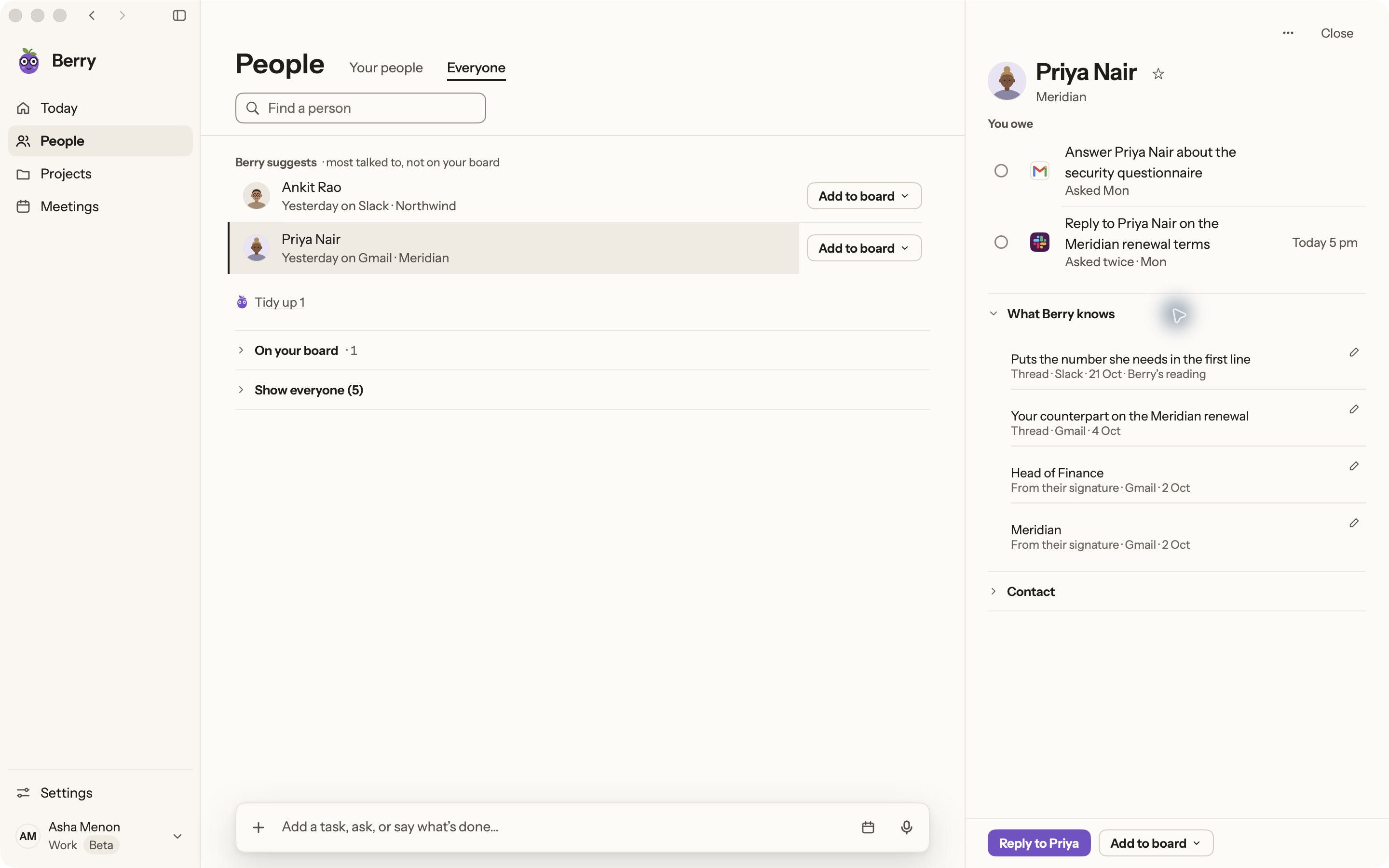
Berry starts with a narrower question: 'What did I agree to, and what needs my attention now?' It gathers commitments from Gmail, Slack, WhatsApp Desktop and supported meeting notes, then organises them with source context. It does not replace your meeting recorder or become a general record of every application by default.
Try a cross-channel handoff
Imagine a consultant agreeing to send a scope in a meeting, receiving a clarification by email, and getting a final question in Slack. A useful evaluation is whether you can find the commitment, understand the latest request, and avoid sending a reply based only on the original call.
For a memory assistant, also test retrieval: can it recover the relevant discussion when you remember the subject but not the exact wording? For a commitment assistant, test ownership: is this something you owe, something someone owes you, or just an idea? Do not score either product by the length of its summary.
Compare data handling explicitly
Littlebird publishes privacy controls and cloud-storage information. Read those directly rather than assuming that a desktop assistant runs entirely on-device. Berry is not cloud-free either: its commitment ledger is local, AI processing runs through your Anthropic or OpenAI account, and Berry's servers retain item metadata.
Berry's optional hosted memory sends redacted Gmail and Slack text to Supermemory with consent. Optional screen capture sends screen images to the selected AI provider. Local deletion does not automatically remove provider or hosted-memory copies. These boundaries matter more than a vague 'private AI' label.
Who should evaluate Berry?
A Mac-using founder or consultant whose immediate frustration is lost promises and repeated context reconstruction is a good candidate. Berry needs macOS 14+ and your own Claude Code or Codex account. Gmail sending, WhatsApp sending and calendar editing are not autonomous Berry capabilities.
If broad work recall, integrated meeting capture or access across devices is your first requirement, investigate Littlebird's current offering before choosing. Berry is Mac only today. Run both against a small, safe workflow and compare the effort required to get a correct next step—not an imagined future feature set.
Sources and further reading
Found something outdated? Tell the Berry team.
Start with one real commitment.
Berry is in private pilot. See the real app and its current boundaries before joining.
Mac only · macOS 14+ · runs on your own Claude Code or Codex