
Guides · A clearer next step
From Granola meeting notes to commitments you can follow through on
By the Berry team ·
The short answer
After a meeting, separate decisions, accepted commitments and unresolved questions. Give each commitment an owner and a source; only use a deadline if one was agreed. Berry can import Granola notes read-only to help bring these commitments into the same workspace as your messages.
Do not create a task from every sentence
A meeting can contain 'we should update the deck,' 'I will send the deck,' and 'could you send the deck?' Those are an idea, a promise, and a request—not three equally confirmed assignments. Before following up, resolve whether someone accepted responsibility.
Granola already offers meeting follow-up and action-item workflows. Berry is not claiming to invent that capability or replace the notetaker. Its role is to bring meeting commitments alongside the ones that arrive through your connected messages.
A simple post-call review
Review the note while the conversation is still fresh. Keep the original passage with the commitment so an assistant's paraphrase does not become your only record.
- Decision: what was actually settled?
- Your commitment: what did you agree to deliver?
- Waiting: what did someone else agree to send?
- Unresolved: which owner, date or requirement still needs confirmation?
- Next intervention: reply, clarify, prepare a draft, or wait until the agreed checkpoint.
Example: an investor call
Illustrative example: you promise revised retention numbers, and an investor offers an introduction after receiving them. These are linked but separate obligations. Your immediate action is to prepare the numbers; chasing the introduction before sending them is premature.
A useful follow-up can say: 'I agreed to send the revised retention breakdown. Once you have it, we can revisit the introduction we discussed.' Do not state that the introduction is confirmed if it was only a possibility. When newer email changes the agreement, use that context before acting on the old meeting note.
What connecting meeting notes to Berry means
Granola notes are imported read-only through Granola's MCP, subject to your permissions. Wispr Flow support refers specifically to Notetaker meeting notes: it requires Notetaker and MCP access, subject to Wispr's cloud-access and organization policies. Berry does not read Wispr Flow dictation history or voice notes.
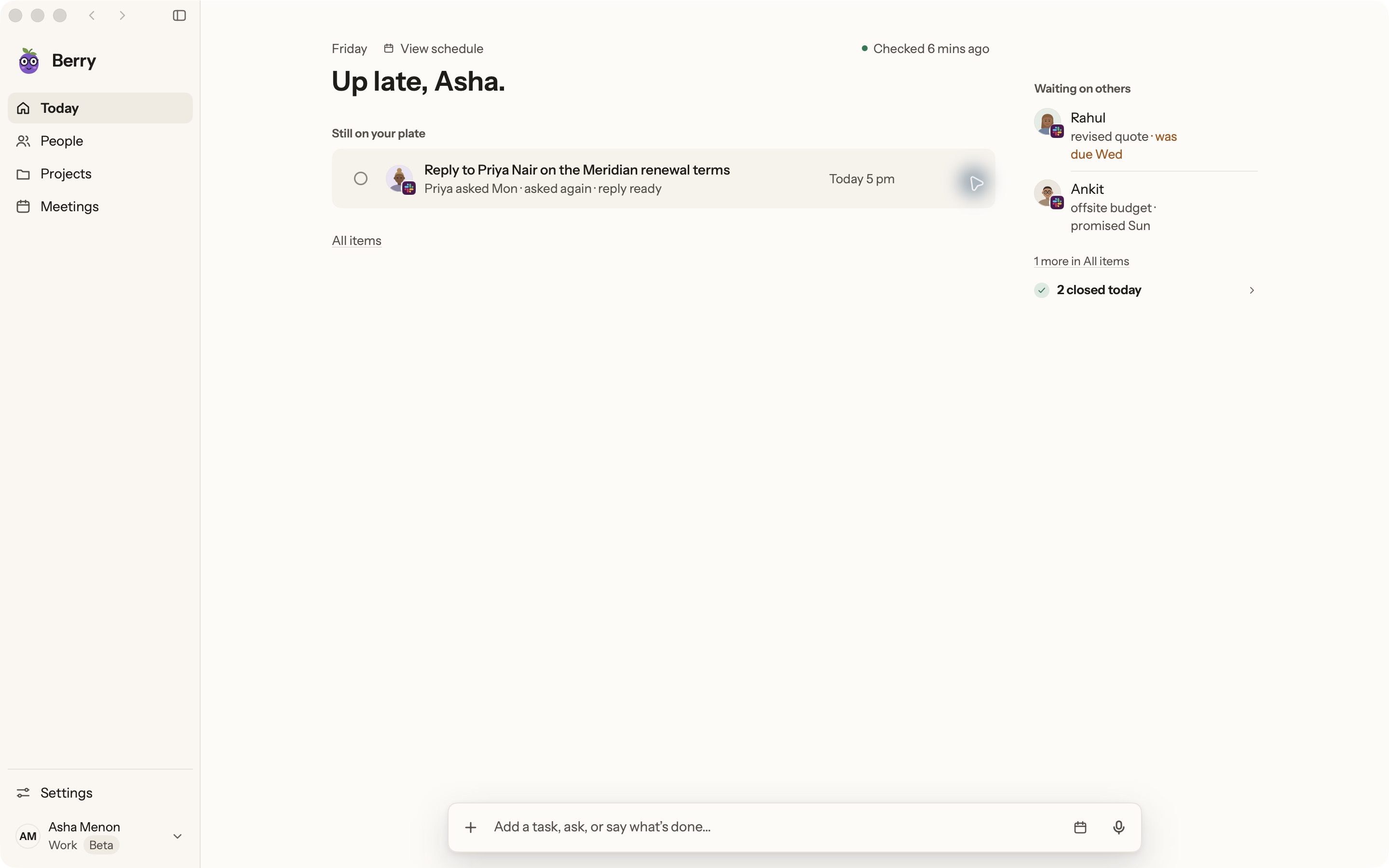
Use Today, Waiting, People and Projects to revisit the resulting commitments, and inspect the source before responding. These integrations do not mean Berry joins meetings, records audio, or automatically updates a CRM. Calendar access is read-only.
Know where the handoff stops
Berry can prepare a Gmail draft, post an exact-text-approved Slack response, or open a WhatsApp conversation. You still own the appropriate review and any unsupported execution. It is currently a Mac-only pilot requiring macOS 14+ and your own Claude Code or Codex account.
If your only need is a meeting recap, your existing notetaker may already be enough. Evaluate Berry when commitments also arrive outside meetings and you need to find them together, with their context intact.
Sources and further reading
Found something outdated? Tell the Berry team.
Start with one real commitment.
Berry is in private pilot. See the real app and its current boundaries before joining.
Mac only · macOS 14+ · runs on your own Claude Code or Codex